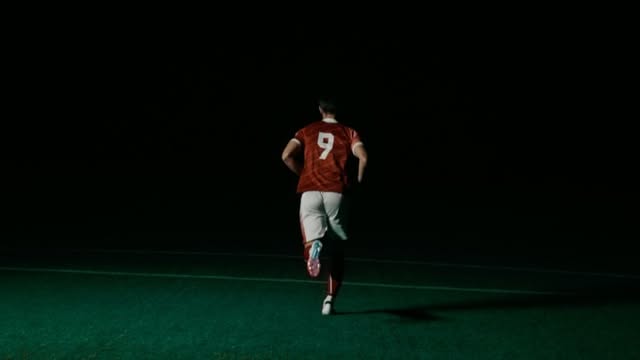
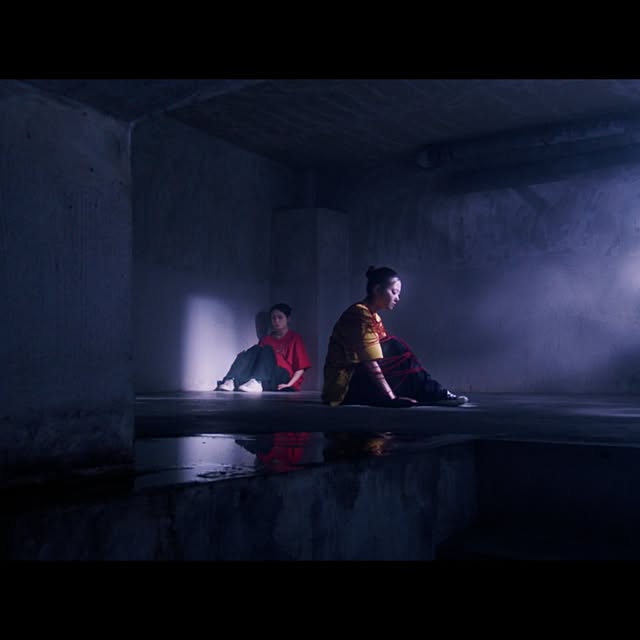
Panel Destroyer A tool for independent colorists

Color at your fingertips.Wherever your cursor is.

A more fluid grading workflow, with the mouse and keyboard you already know.

Efficient grading.
Wherever you work.

For everyone working independently who needs to keep up with fast-paced color work.

In a grading suite, at home or on set, use your familiar keyboard and mouse to work efficiently. Panel Destroyer supports a grading workflow that doesn’t depend on having a panel available.

See the difference in motion.

Conventional controls

Select a small on-screen control each time you want to make an adjustment.
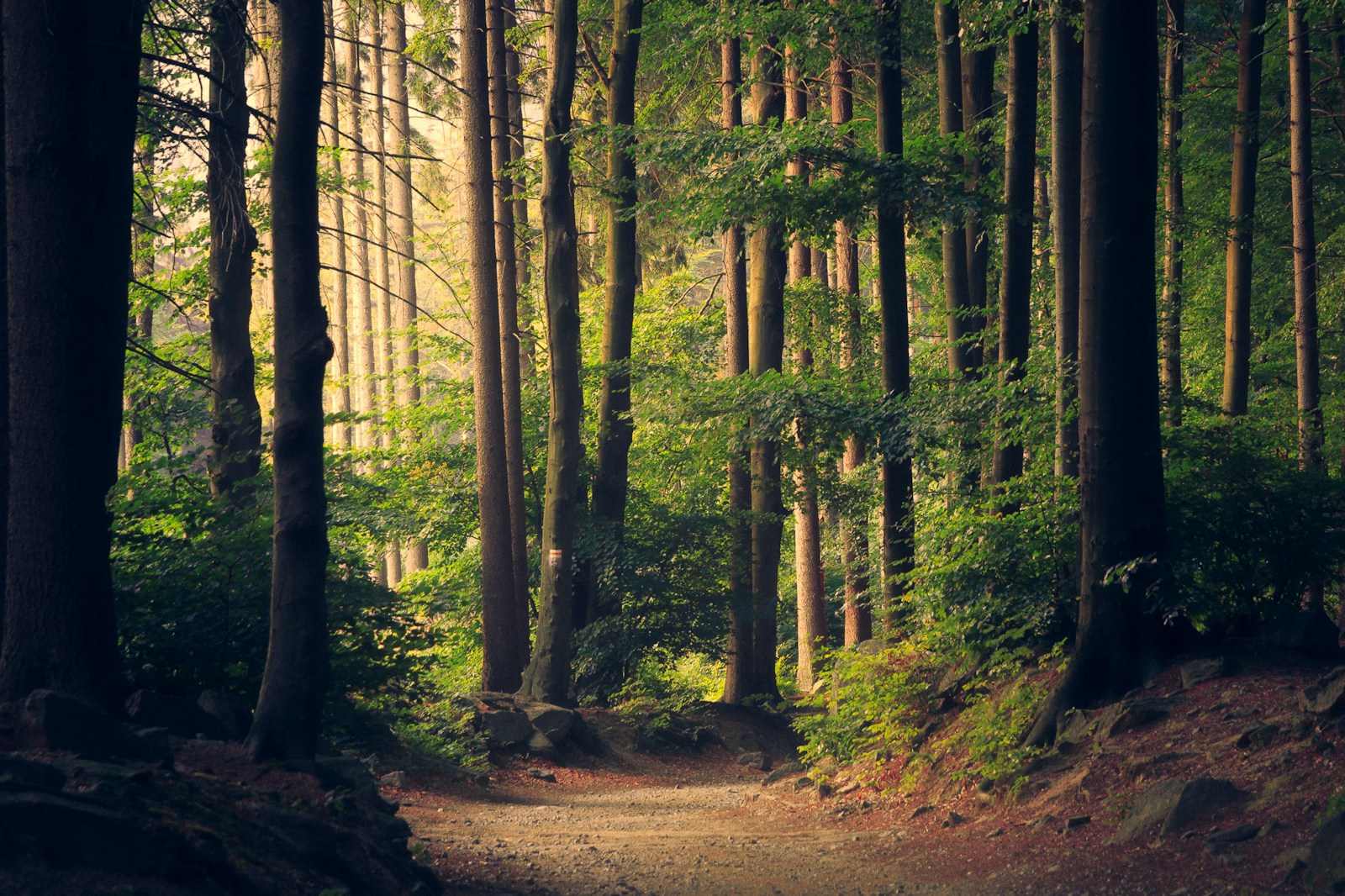
ColorClips · Nodes
The same forest image in both adjustments
VIEWER
01:00:00:00 ▸
NODES
01
Primaries — Color Wheels◌
Temp0
Tint0
Contrast1.000
Pivot0.435
Lift
0.00
Gamma
0.00
Gain
0.00
Offset
25.00
Color Boost 0.00
Sat50.00
Hue 50.00
✓ Adjustments complete
`~1!2@3#4$5%6^7&8*9(0)-_=+⌫⇥QWERTYUIOP[{]}\|⇪ASDFGHJKL;:'"↵⇧ZXCVBNM,<.>/?⇧⌃⌥⌘⌘⌥◂▴▾▸

Panel Destroyer

The moment you hold a hotkey, your mouse movement becomes a color adjustment.

ColorClips · Nodes
The same forest image in both adjustments
VIEWER
ctrl+E→Exposure
01:00:00:00 ▸
NODES
01
Primaries — Color Wheels◌
Temp0
Tint0
Contrast1.000
Pivot0.435
Lift
0.00
Gamma
0.00
Gain
0.00
Offset
25.00
Color Boost 0.00
Sat50.00
Hue 50.00
✓ Adjustments complete
`~1!2@3#4$5%6^7&8*9(0)-_=+⌫⇥QWERTYUIOP[{]}\|⇪ASDFGHJKL;:'"↵⇧ZXCVBNM,<.>/?⇧⌃⌥⌘⌘⌥◂▴▾▸
Explore setup, controls and supported functions →

About the creator

Kiichi Komai

Cinematographer & colorist, based in Japan.

Color Grading Reel

2026
View on Instagram ↗

I grade in dedicated suites and at home, and sometimes on set to prepare QuickTime exports and dailies after a shoot. Working as both a cinematographer and colorist across these environments, I wanted to get the most out of the setup they have in common: a mouse and keyboard. That is why I developed Panel Destroyer.

Available for remote color grading on projects worldwide, with communication in English and Japanese.

Read the development story →Instagram · @kiichi_komai ↗

Have a project in mind?

For cinematography, color grading or an invitation to collaborate on your project, please get in touch through Instagram DM.

Get in touch on Instagram ↗

Beta registration

Registration is in preparation. The beta period and details on how to join will be announced when registration opens.

Registration not yet open

This is an independently developed app. Bug fixes and support have limits, and it may not work in your environment. Please read “Before you decide to buy” in the development story when considering a purchase.

About development and support →

Tested configuration

Mac
Apple Silicon
macOS
27.0.1
DaVinci Resolve
Studio 21.1

Development and connection/input testing have been carried out on the configuration above. Windows, Linux, Intel Macs and the free edition of Resolve have not been tested.

A keyboard, a mouse and macOS Accessibility permission are required.